See your charging options.
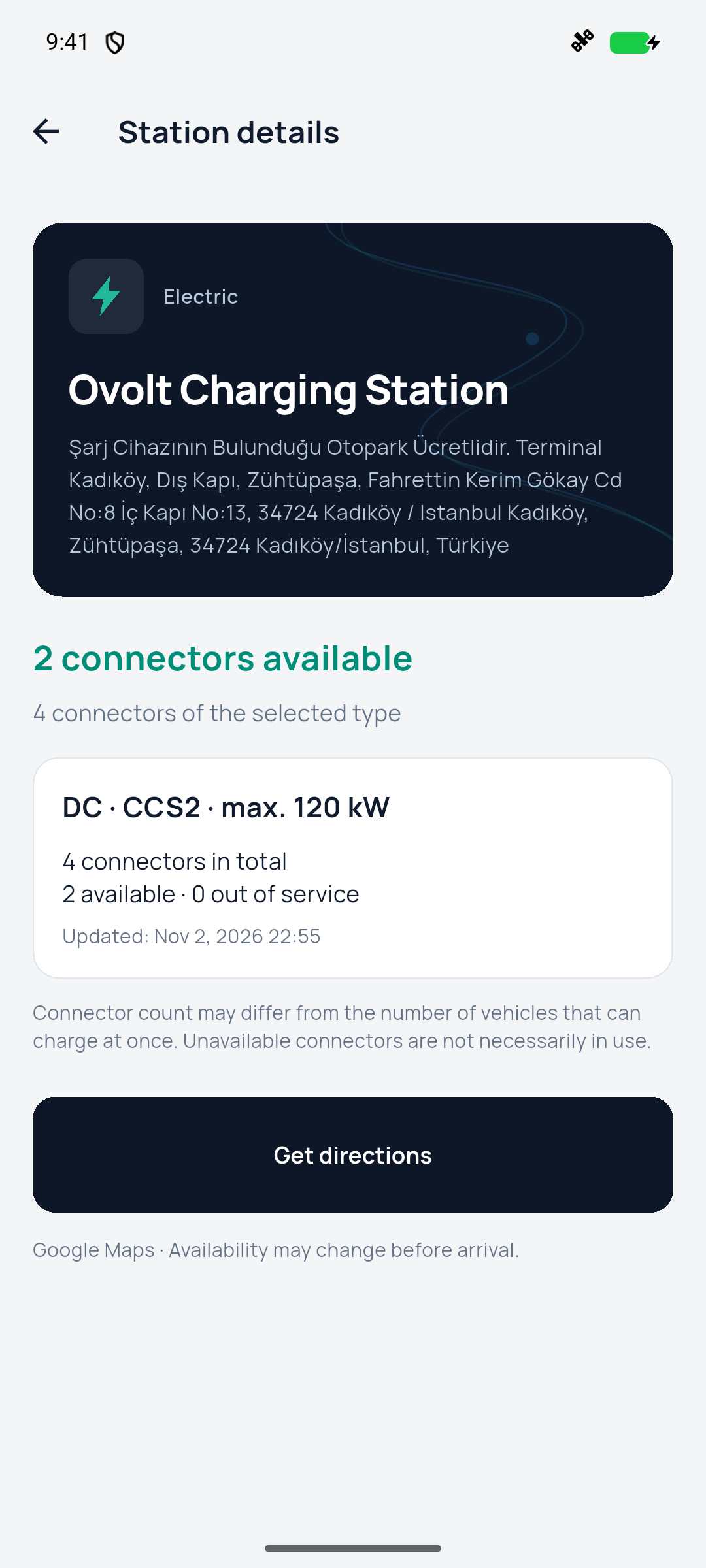
Find EV charging stations and explore connector types, AC/DC charging and reported maximum power. See total and available connectors where current provider data is supplied.
EV charging, fuel, parking and road help. Find the places your journey needs, all together in Route34.
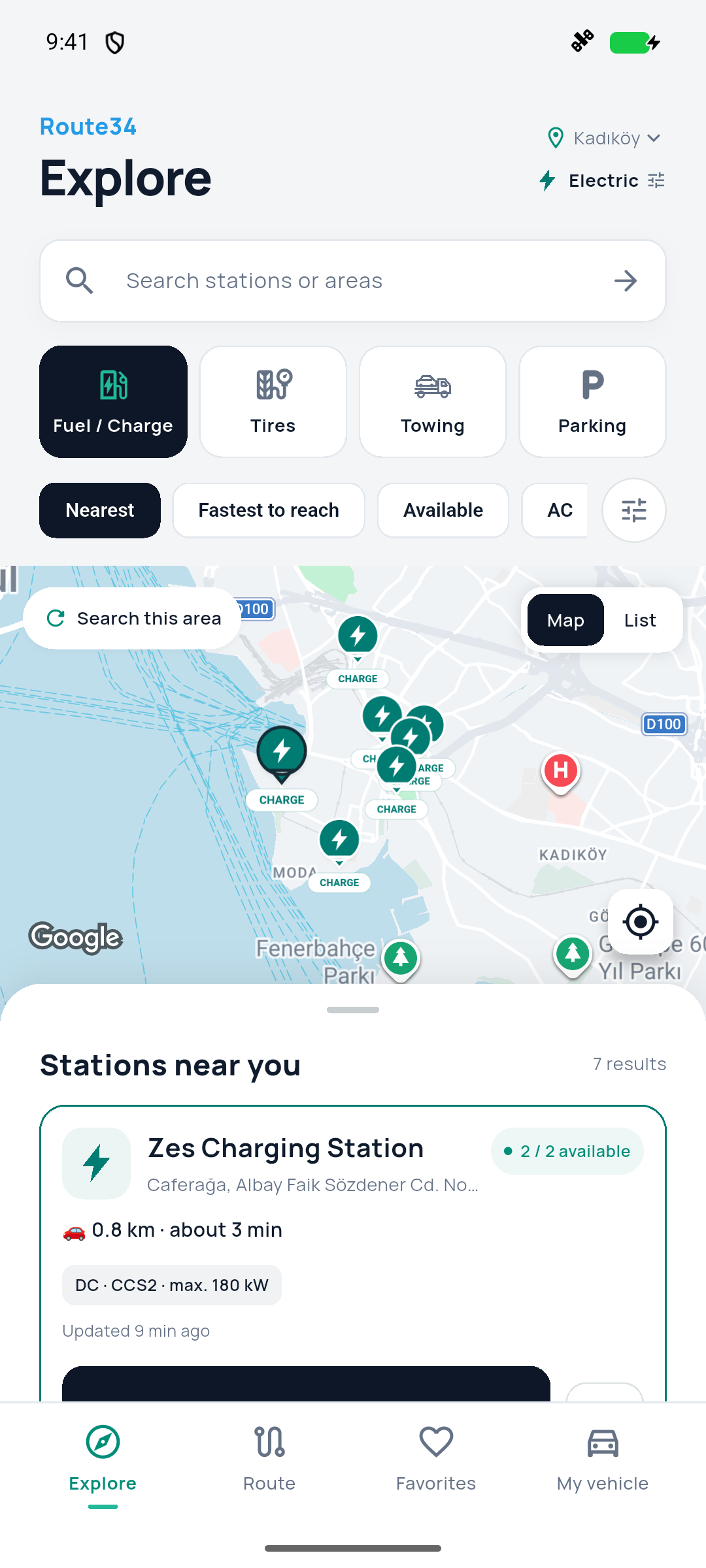
Start with your location or an address. Explore real places, see the information available and choose your next stop.
Find EV charging stations and explore connector types, AC/DC charging and reported maximum power. See total and available connectors where current provider data is supplied.
Plan a journey, see driving distance and estimated duration, and find charging or fuel stops along the way. Compare the extra driving time and distance before adding a stop.
Focus your search on petrol, diesel, LPG, CNG or hydrogen. Search near your location, explore another city or look around an area on the map.
Discover nearby tire shops, view available business details and call a listed provider when a phone number is available.
Locate towing businesses in the area and contact them directly. Route34 helps you find providers; arrangements are made with the business you choose.
Explore nearby parking, check available location information and open driving directions to your chosen destination.
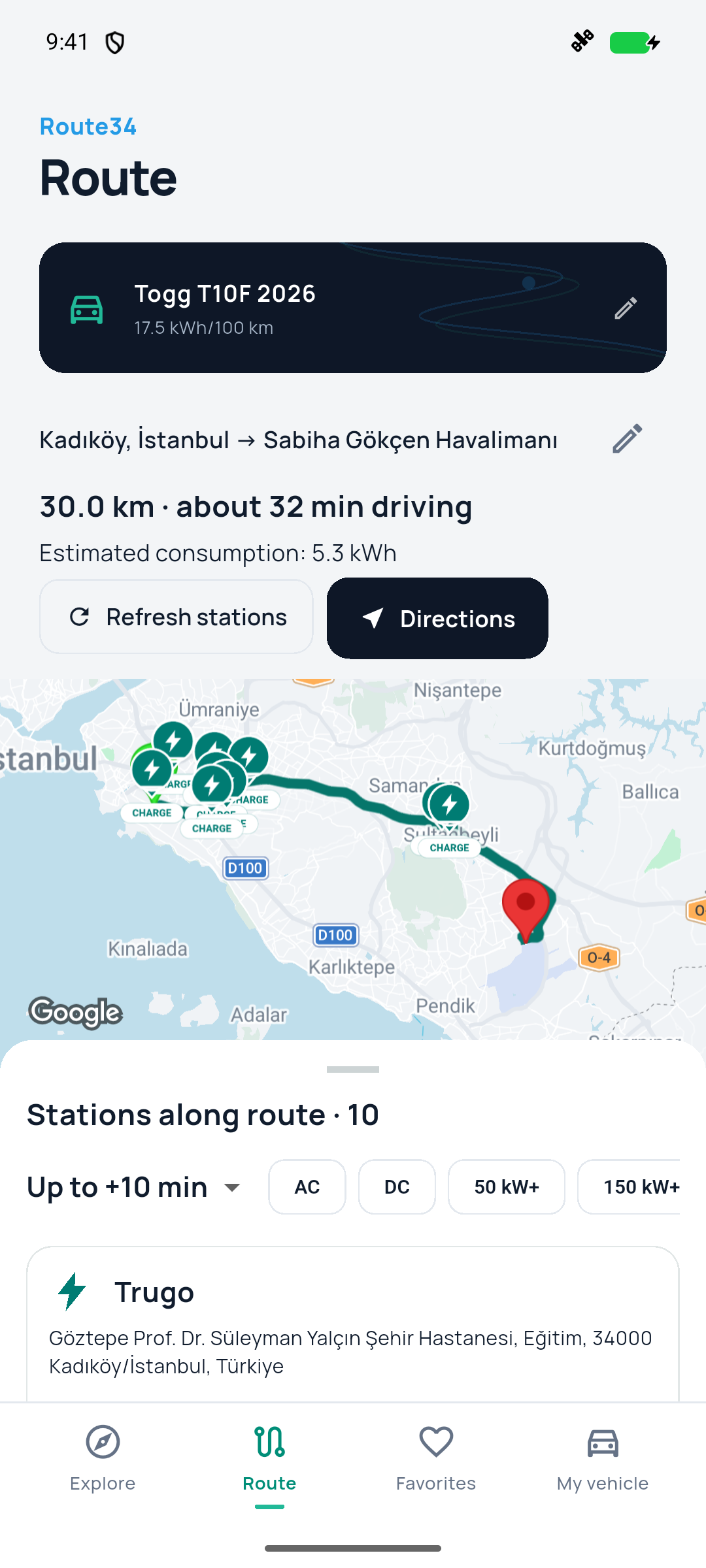
Choose a start and destination to see a driving route, distance and estimated travel time.
Explore charging and fuel stations near the route. Compare the added time and distance of a stop.
Use your vehicle profile and average consumption to estimate the energy or fuel needed for the trip.
Screens show an example app session. Station information and availability can change. Consumption and travel times are estimates.
Save stations and services to Favorites, switch between the map and a list, and keep your vehicle preferences on your device.
English · Türkçe · Français · Deutsch · Español · Русский · العربية
Find practical answers or get in touch with RunFit Pro Apps.
Coverage, charging availability and business details depend on the location and data provider. Live searches and maps require an internet connection.